Getting started with F2C Search
You can use Form2Content Search to do ABSOLUTE searches (instead of keyword) on Joomla articles created with Form2Content. The results are shown in category blog layout style and the read more goes directly to the NATIVE Joomla article (in com_content).

F2C Search component & module
The F2C Search component is used to create the different types of searches. Each search is linked to a F2C Content Type. All the display parameters and search fields are configured in the component.
The F2C Search Modules is used to publish (display) the search.
Getting started
Step 1: Define a new search
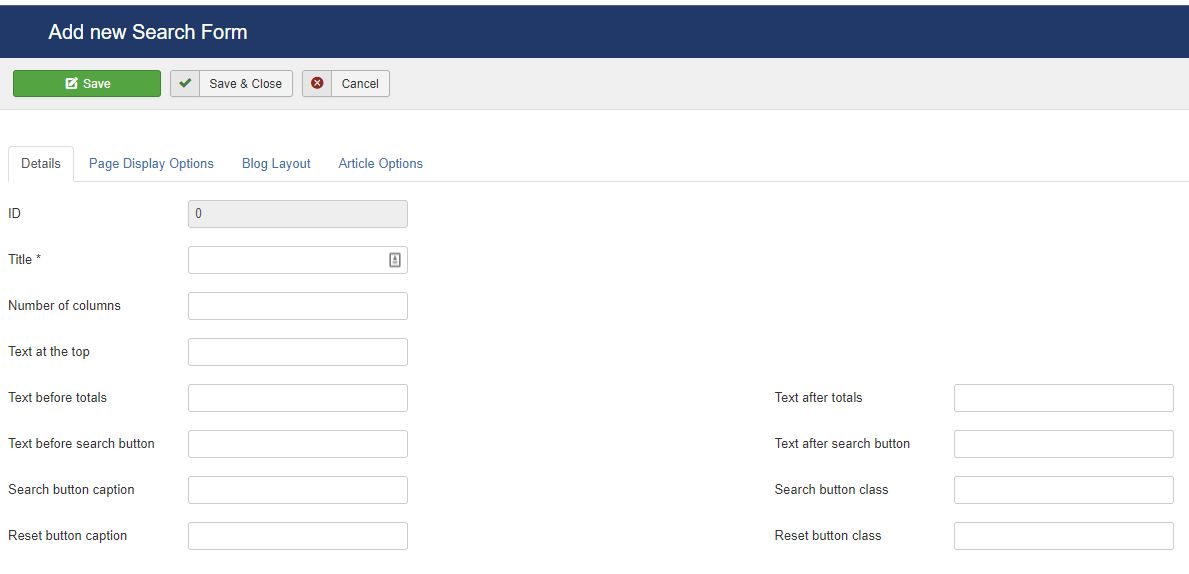
In the Form2Content Search go the the Search Form Manager and click on New. Select the Content Type to which the Search will be linked and click next.
Step 2: Define the search module layout
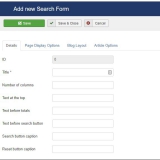
You will see several tabs with options. The first tab called "Details" is used to generate the layout of the F2C Search Module. Make sure you set the number of columns and the text for the search button.
Please note: It is always possible to return to the settings at a later point and change them.
Step 3: Set the results page layout
The second tab "page display options" contains the settings for the search results page. As you can see it is completely based on the Joomla Category Blog layout.
Custom ordering of results: In Joomla your odering is limited to general settings. In Form2Content Search you can set ordering based on the fields from your form.
Step 4: Add fields to search by
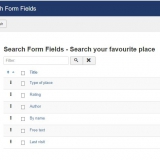
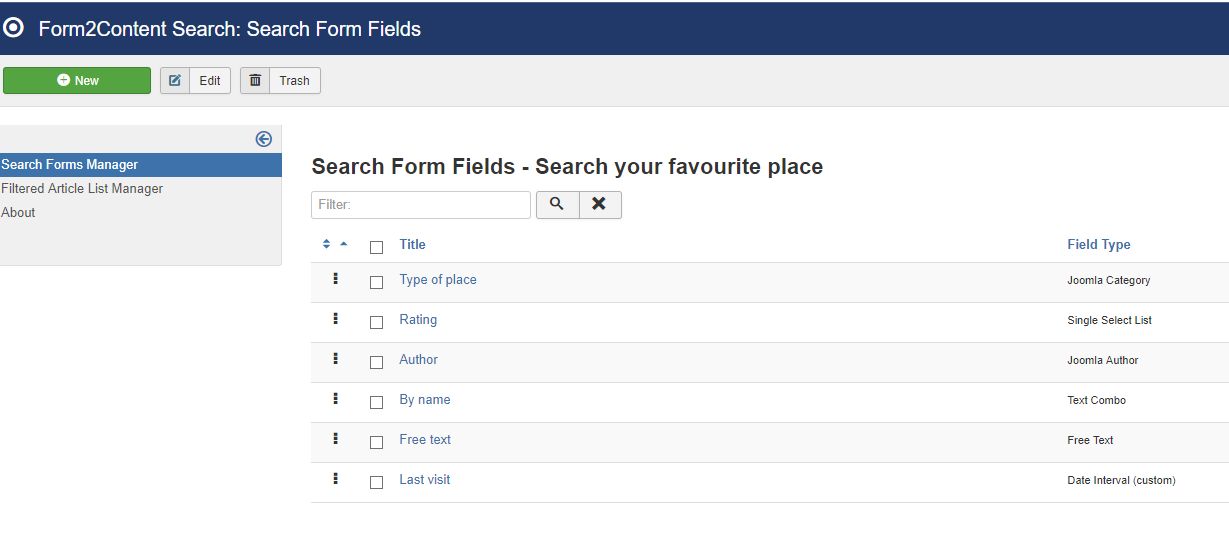
After saving you are back in the Search Form Manager. The next step is to start adding the fields (search options) to the search. In the Search Form Manager click on the icon next to the title of the search. You will now go to the search form field manager. See the second image above.
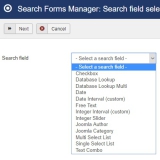
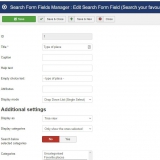
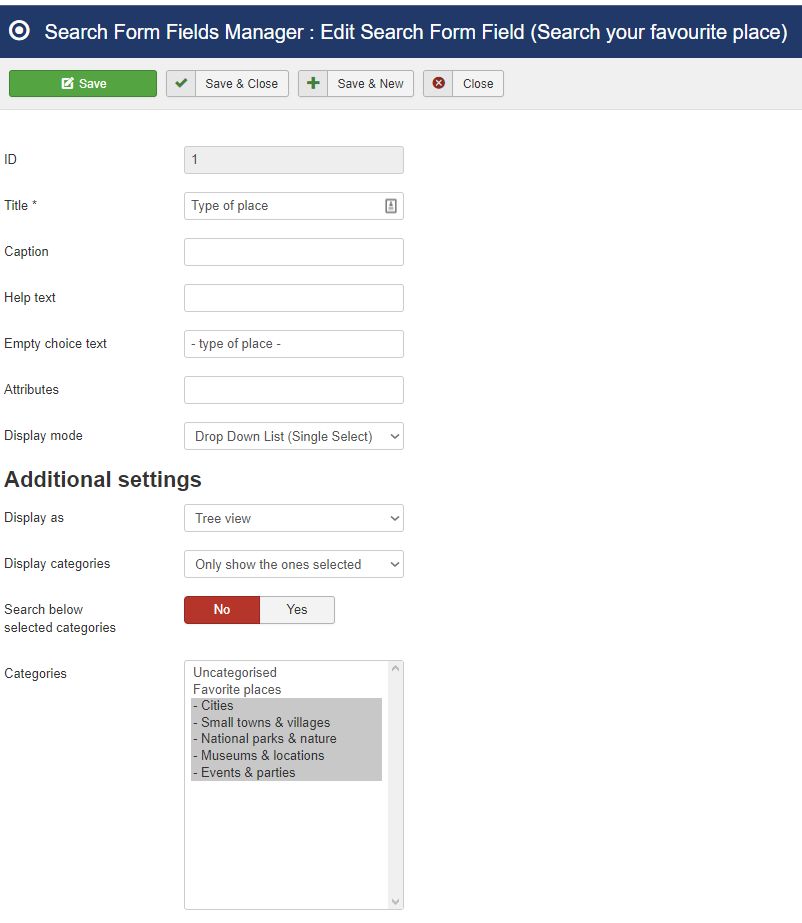
Next click on new and select the type of field you want to add. Depending on the selection made you will be shown different options for that particular field type. For each field you add to the search you can set things like caption, display mode, empty choice text etc. Save the settings and you will return to the search field manager. You can add as many fields to the search as you wish by repeating this step.
Please note: You first select the type of field, next you select the actual field under the settings in the drop-down called "Compare field". These correspond to the available fields in your Form2Content Content Type.
Layout options: Depending on the type of fields you can display the search values differently. Options include drop-down, multi-select, checkbox, an integer slider.
Step 5: Link and publish the Search Module
We have now defined the fields by which we want to search and also the layout of the module and search results. The next step is to display the Search Module on the website. For this we go to the Joomla Module Manager.
Tip: Use the item id option to be able to link modules/Joomla template layout to the results page. Read more about it here.
Step 6: Fine tune the behaviour & layout
It usually requires a bit of playing with the settings before the required result and behaviour is realised.
Tip: Only start making template overrides for the Search module or results page once everything is working!
Add